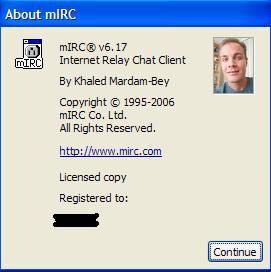
mIRC Easter Egg - See Old mIRC Logo in v5.1
1. Start mIRC
2. Click on help -->about
3. Click on the mIRC logo, and it will change to the older logo
| User Rating: |
5.6
5.6/10 with 84 votes
|
| Contributed By: |
Tim Johnson on 07-21-1999 |
| Reviewed By: |
Webmaster |
Special Requirements: mIRC 5.1
Pictures and Videos
 |
| Old mIRC Logo Egg |
Do you have another one?
Send us a picture or video of this Egg!
Comments