Adobe Photoshop CS3 Easter Egg - Adobe Photoshop Cs3 - About Screen Eggs
The hidden About screens in the Photoshop applications have been seen by many users over the years, but this one is especially personal to the Photoshop development team, and it is particularly tricky to find all the related eggs.
Getting the hidden About screen:
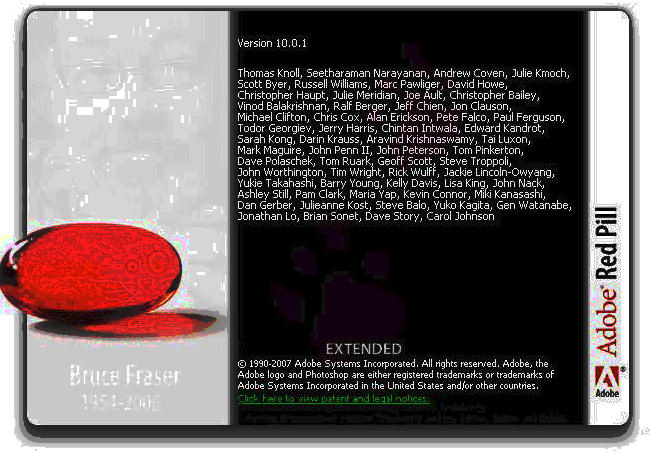
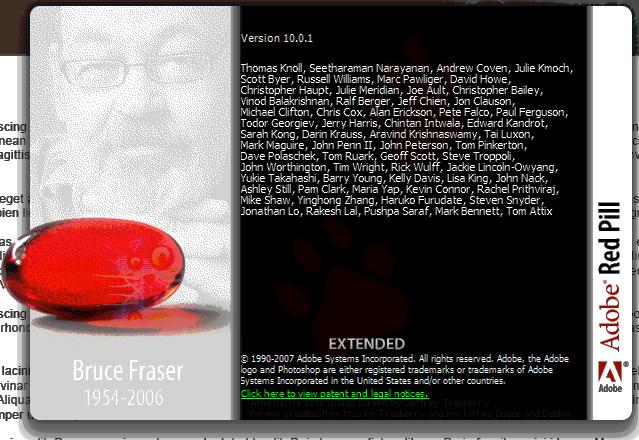
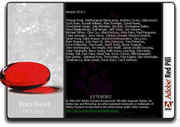
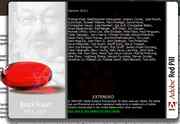
Firstly, to access the hidden screen, Select the Help>About Photoshop... menu item while holding down the CTRL key. This will open up the Adobe Red Pill about screen instead of the usual blue Photoshop about screen.
Finding the Cat:
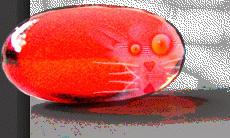
Hidden in the pill, on the right side is the faint impression of the Photoshop cat (a long time Photoshop Easter Egg).
Finding the hidden tribute:
Take a screen shot of this About screen (Press Print Screen), and click on the About screen to close it. Now open a new document and select the Edit>Paste menu item - a copy of the screen will appear in the document (you can now zoom in on the pill for a better look a the cat).
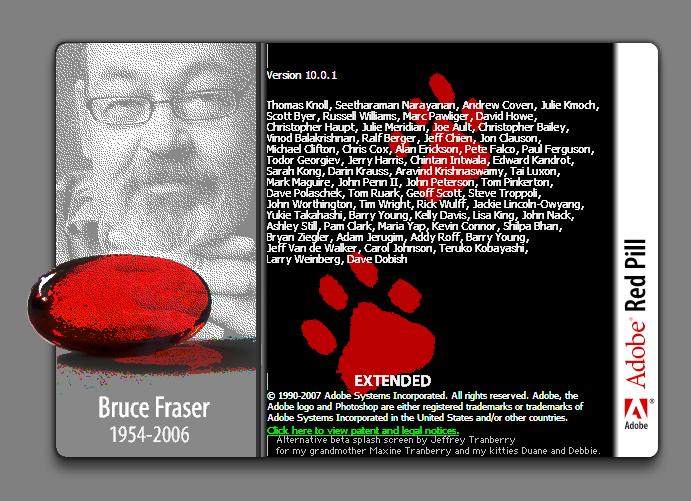
Whith this image active select the Image>Adjustments>Equalize menu option. A face will appear on the left of the About screen in the document, under which is written "Bruce Fraser 1954-2006", along with a series of Cat paw prints to the right.
Bruce was a regular collaborator with the Photoshop team, a well known Photographer and author of the "Real World" series of Photoshop help books. He died on December 16, 2006.
| User Rating: |
9.2
9.2/10 with 33 votes
|
| Contributed By: |
Anonymous on 03-24-2008 |
| Reviewed By: |
dicai, MonicaIngram |
Pictures and Videos
 |
 |
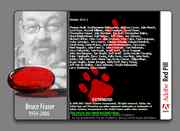 |
| Bruce Fraiser Egg- Photoshop CS3 |
Abut Screen |
Also notice the note at the bottom. Works better if you select each side and equalize it seperatly. |
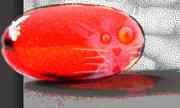 |
| Clearer version of the cat (using brightness & contrast) |
Do you have another one?
Send us a picture or video of this Egg!
Comments