Skype Easter Egg - Cat
1. Open a chat window to someone.
2. Hold down at least 3 keys that aren't too close to eachother. C A T or S K L.
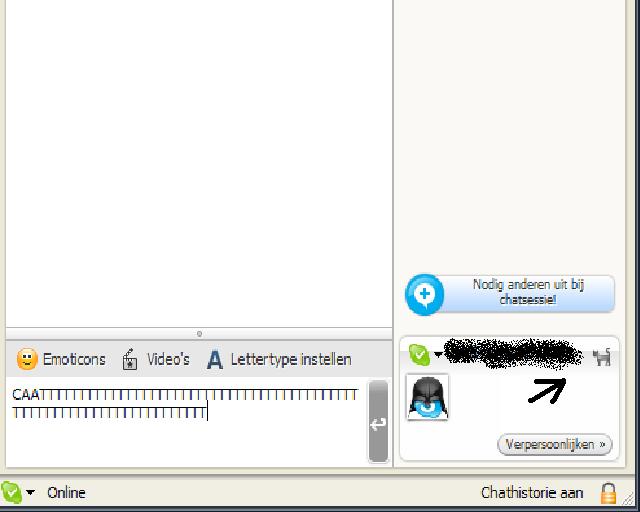
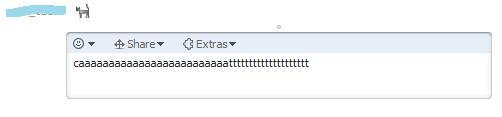
3. A kitten emoticon should appear, either in the bottom right next to your name, or just above the messagebox, indicating that 'a cat is supposedly walking on the keyboard'. Other people in the chat will be able to see this too.
| User Rating: |
8.0
8.0/10 with 23 votes
|
| Contributed By: |
Anonymous on 02-07-2008 |
| Reviewed By: |
MonicaIngram |
Special Requirements: Skype 3.6, 4.x, 5.x
Pictures and Videos
 |
 |
 |
| CAT glitch |
The cat (I circled it in red), as found when I tried this in Skype 3.5.0.239 |
cats rule? |
Do you have another one?
Send us a picture or video of this Egg!
Comments