|
Paint Easter Egg - Hidden Drawing Tool Options
Open paint.
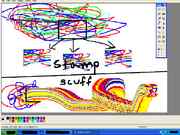
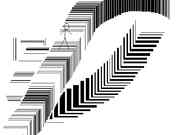
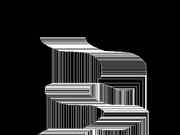
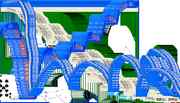
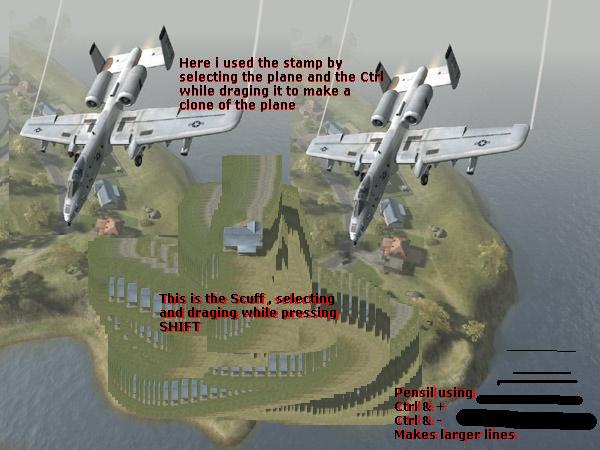
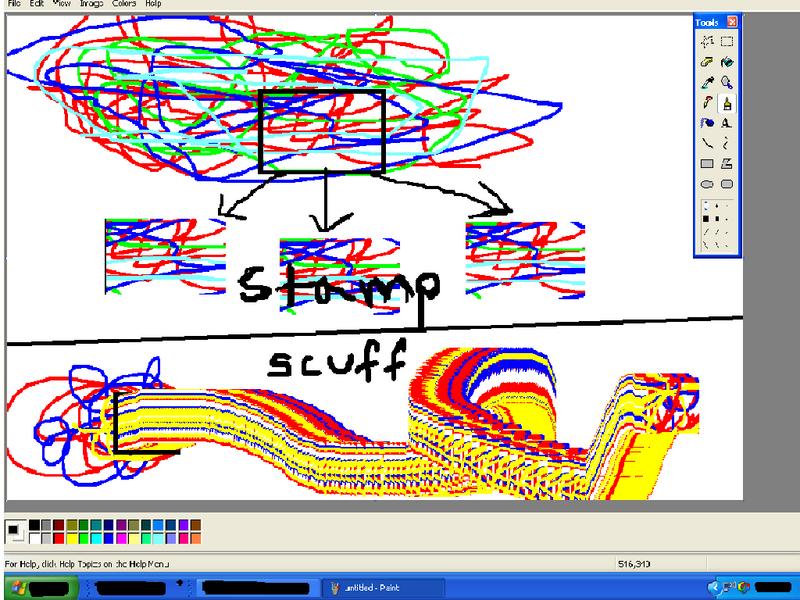
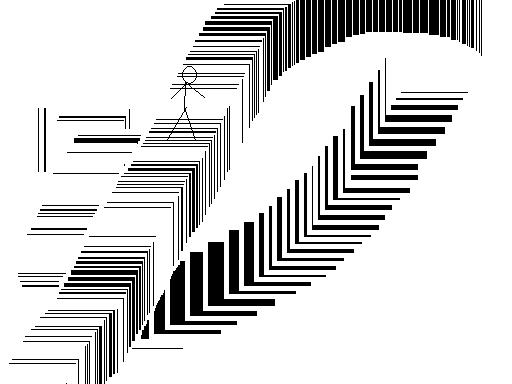
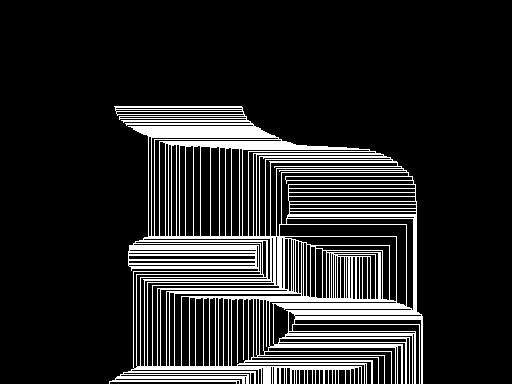
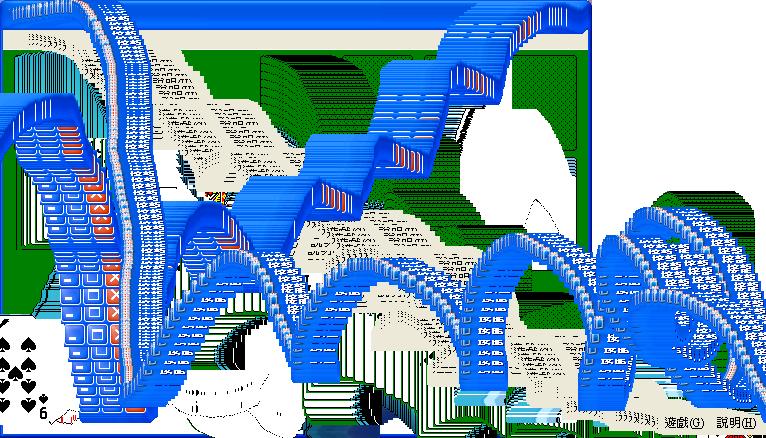
These eggs require usage of your ctrl key, so if you use ctrl to select a tertiary color, you will most likely want to select it to be the same as your primary color when using these eggs. (Tertiary colors are selected by holding ctrl while picking a color.) To stamp, select part of the image and hold ctrl while dragging it. To scuff, select part of the image and hold shift while dragging it. To use brush pressure, hold ctrl and press - or + on the keypad while drawing, spraying, or using a shape tool. To draw straight or diagonal lines with the pencil, hold Shift and move the mouse in that direction.
Pictures and Videos
Do you have another one? Send us a picture or video of this Egg! CommentsDaLegend writes:
Wow these tools are great! Also I have found out that if you select part of the image using the select tool, then press Ctrl and + or - you can scale the image up, or down!
28 of 33 people found this comment helpful. Did you?
ZeldaGeek writes:
Wow, that is so neat! Thanks a lot for posting this! ^_^
17 of 31 people found this comment helpful. Did you?
mystery writes:
You can size almost anything. Get a big eraser and start erasing things. Big air brush, etc. However, making a picture big really fast crashes the program.
6 of 11 people found this comment helpful. Did you?
tmasman writes:
"Select a part" is referring to using the "Select" tool to select an area of the drawing & then following the rest of his instructions...
Very neat EE indeed!
13 of 26 people found this comment helpful. Did you?
UltimateSephiroth writes:
These can be considered hidden functions, but not eggs. I have known these for ages and so has very many people I know. I wonder though why they aren't noticed in MS Paint help file.
9 of 25 people found this comment helpful. Did you?
sparblaze writes:
What I don't understand what you're talking about. Part of the image?
6 of 57 people found this comment helpful. Did you?
|
||||||||||||||||